
In the upper right area of the Service Portal you will find the profile settings by clicking on your name.
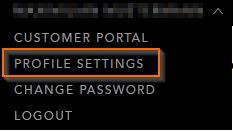
There you can view and adjust your personal contact data.
Note:
Modifying first name/last name is not available as a self service.
For a change please contact our support.
If you log in using an S-user, it is not possible to configure information in our portal. In this case, your data is managed centrally via the SAP Launchpad and is transferred to our system. If the details saved here are incorrect, you can edit them in SAP Launchpad.
Also, if you click on your name, there is an option to change your password.
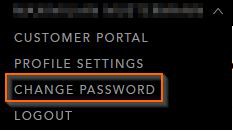
Here you can use the option to change your password yourself according to the guidelines displayed there.
Password policy
- a number
- one capital letter
- one lower case letter
- a special character
- may not begin with ! or ?
- at least 12 characters long