In the Service Portal you will find the app „Business Process Library“:
Step 1:
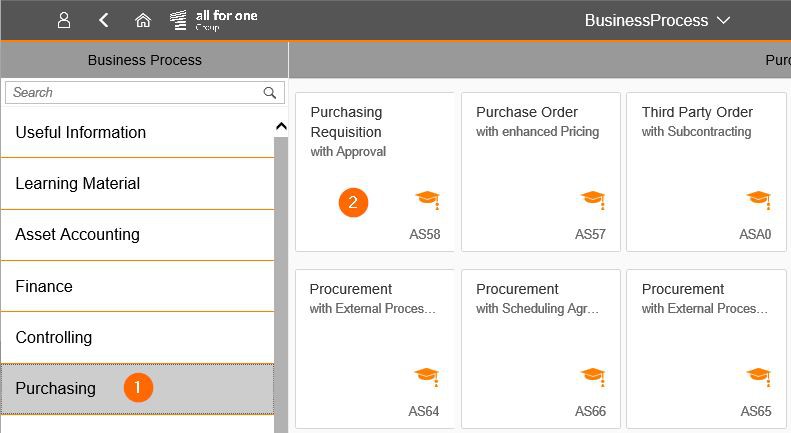
Click on the subject area on the left and then select the desired tutorial.
Step 2:
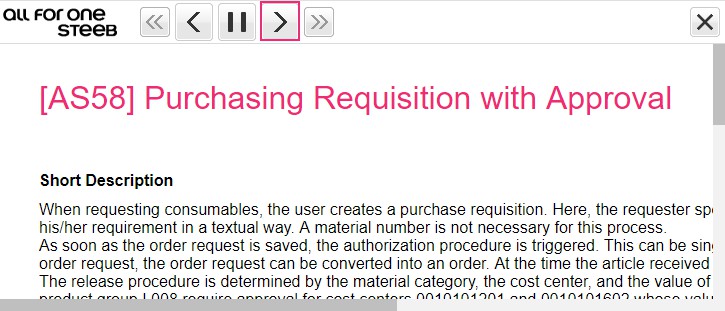
Scroll through the book pages with the Next button
Step 3:
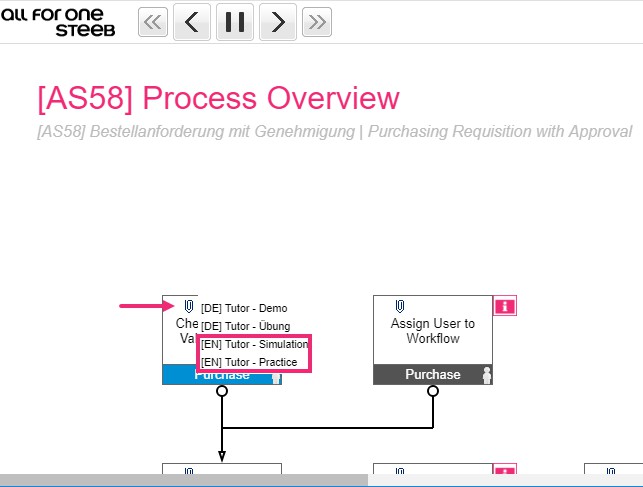
On the book page „Process Overview“ a demo or practice tutorial can be started by clicking on the paper clip.