
Overview of active service solutions used
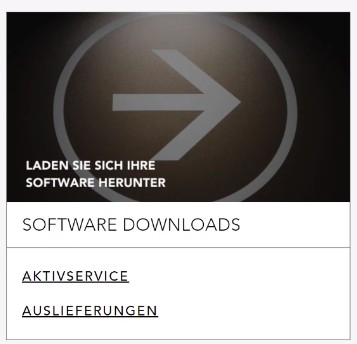
[1] Choose „Activservice“. This overview shows you which release of an additional solution is currently in use and which release is currently available. As soon as a new release is available, you can download it.
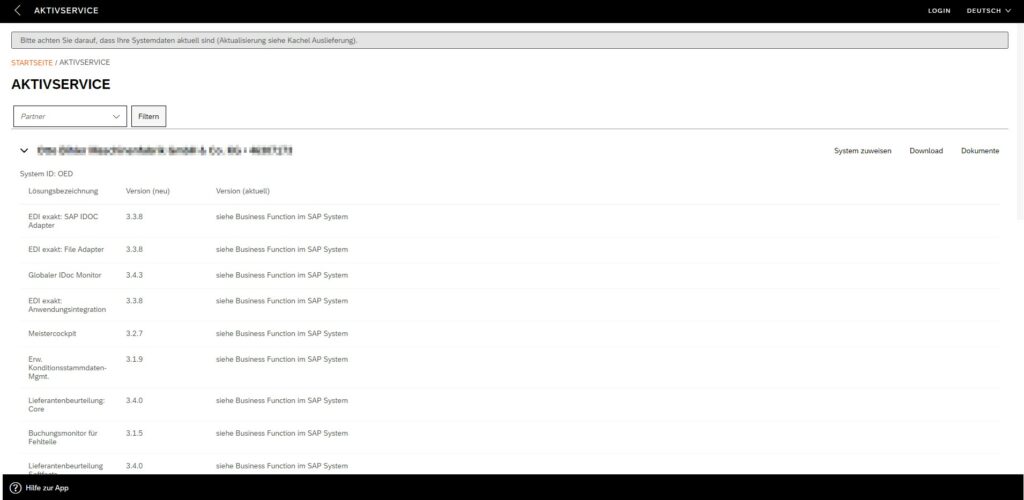
Here you can see which release of an add-on solution you are using and which release is currently available. As soon as a new release is available, you can download it.
Download update
With „Download“ you can download the current release of a solution at any time.
The downloaded file is located in your default download folder.
Important: Please make sure that you download your solution for the correct system. To select a different system, click on „Assign System“. Details on assigning systems can be found in Chapter 7 at https://fiori-hilfe.all-for-one.com/kapitel/7.2
Importing the solution into your system
You can import the downloaded file into your system as described in Chapter 7 at http://support-quickguide.all-for-one.net:8082/kapitel/7.2
Important:
If you do not have the required import tool on your system yet, you can download it inside of delivery app. Futher information in Chapter 4 at https://fiori-hilfe.all-for-one.com/kapitel/7.2
Mail notification of new available updates
As soon as a new update of an add-on solution is available for you, you will be actively informed by e-mail. This mail also contains hints regarding the update process (e. g. necessary activities during the update, recommended support efforts, etc.).
Update importtool
If there is an update of the import tool, the new version of the import tool is included in the delivery file. To install the new version, start the import tool, select the new delivery file and start the import. A popup appears for updating the import tool.
Error Handling
If an error occurs, it will be displayed in the list and the download will be unavailable.
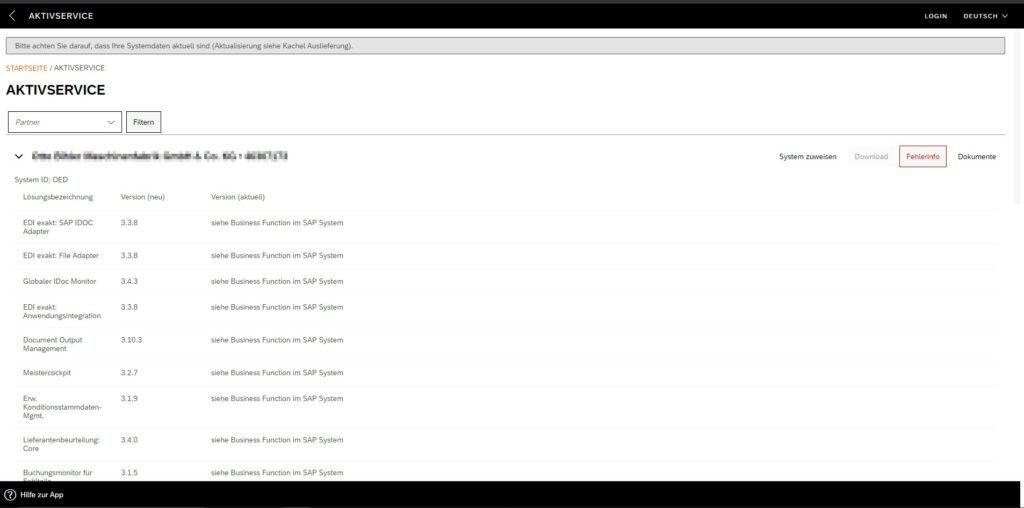
Please click the error button and follow the instructions in the error message. If you are unable to resolve the error, please open a ticket.