
Solution documents are available upon delivery of the solution and in activeservice. If no documents are available, please contact your solution consultant.
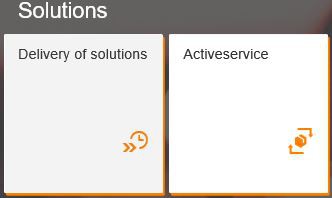
[1] In the Fiori Launchpad, select the „Deliveries“ app if you want to download documents for deliveries or the „Activeservice“ app if you want to download documents for solutions in the activeservice.
The documentation shows the document download using the „Delivery“ app as an example. Please proceed in the same way when downloading documents in the „Activeservice“.
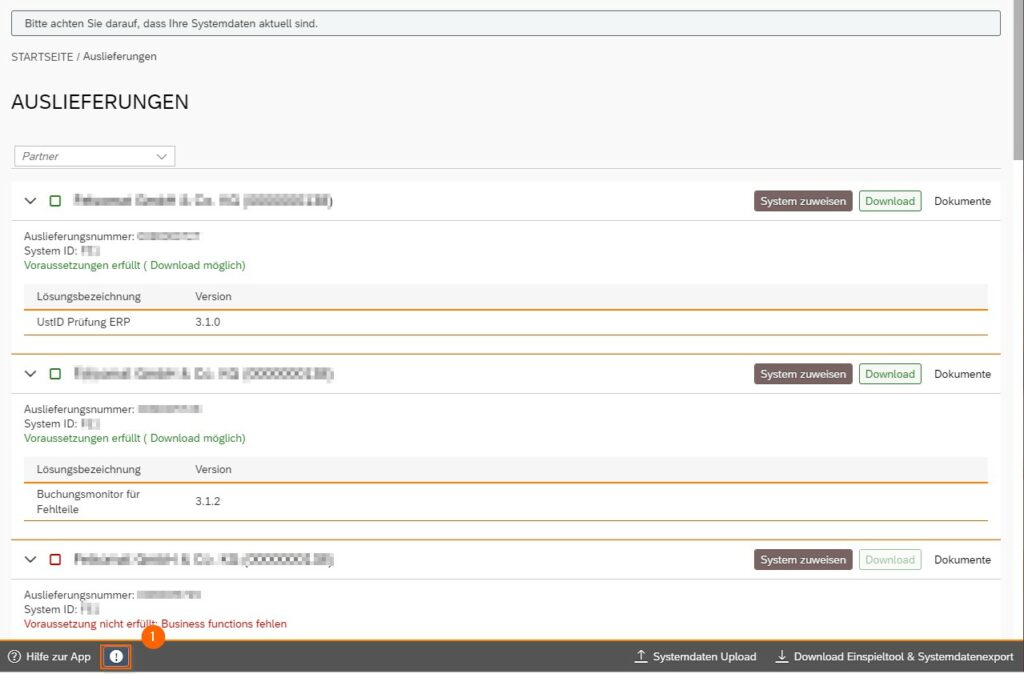
[1] If a red exclamation point appears in the taskbar in the app, you must deactivate your browser’s pop-up blocker before you can download the solution documents.
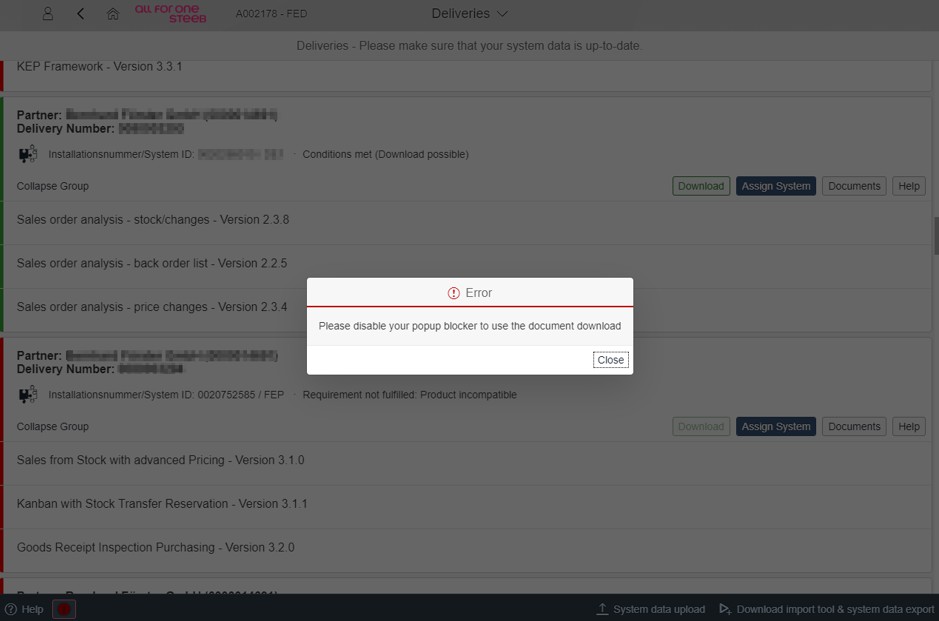
Afterwards the documents can be downloaded.
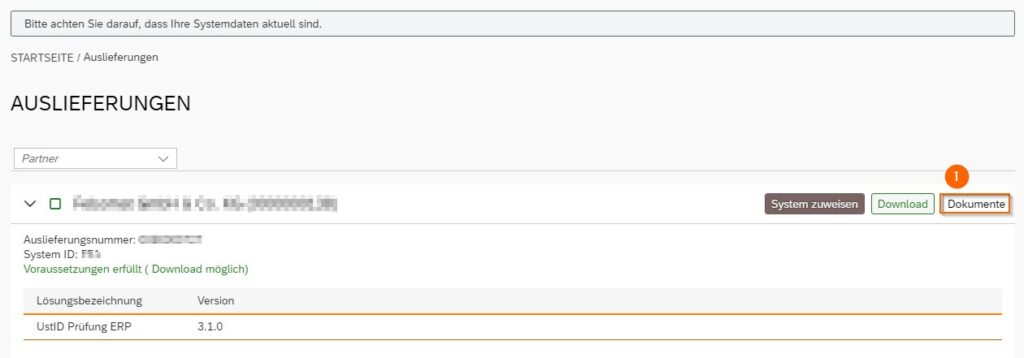
[1] Select the desired solution and click on „Documents“.
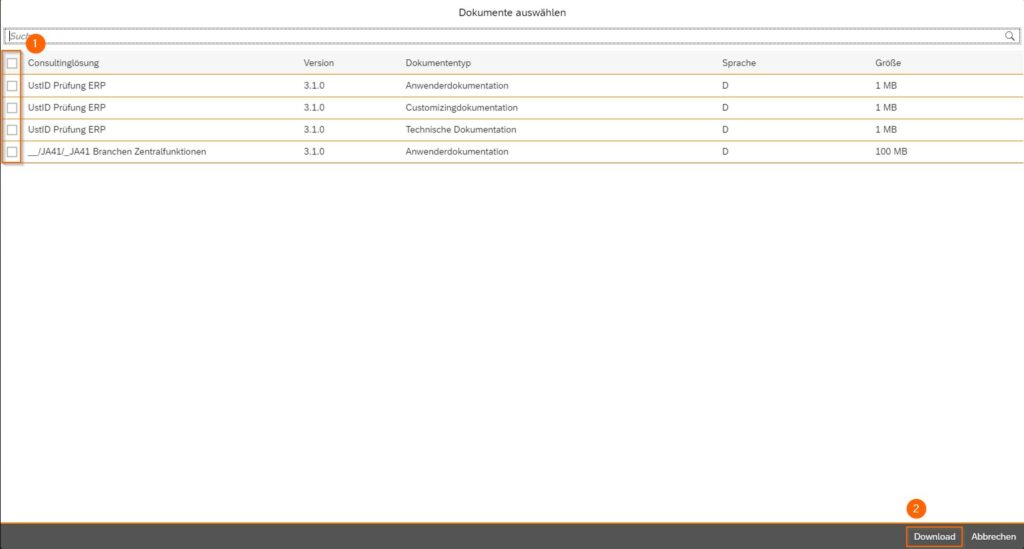
[1] Select the desired documents and confirm with „Download“.
The documents are now downloaded and stored in your browser’s download folder.