Once you have created a ticket to an SAP component in the Service Portal of All for One Group SE, you can store the access data in the secure area.

Please use the SAP logon data button in the footer of the ticket to access the SAP secure area.
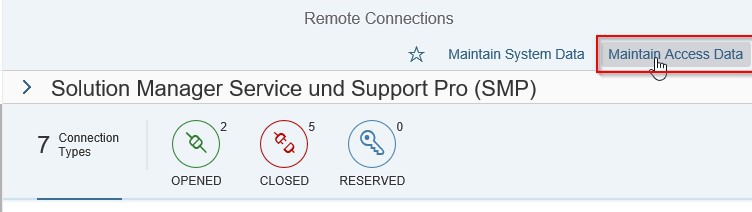
Now you are in the SAP Launchpad.
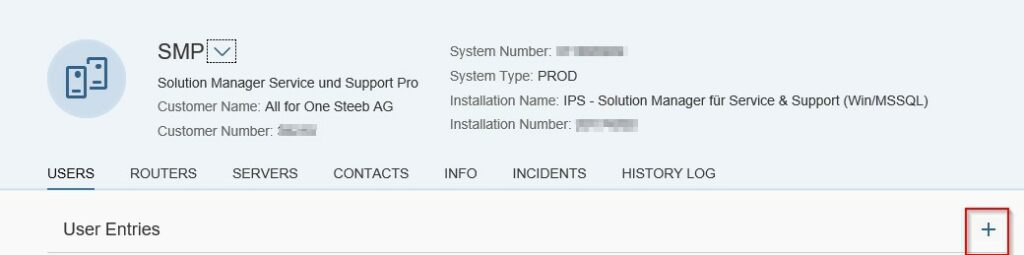
Now please use the „+“ on the right to open a mask…..
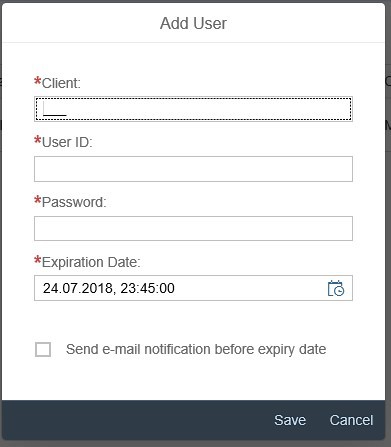
….. in which you can enter the data.