
Important:
Please execute the following transaction only in your development system. For forwarding into the productive system, please use transaction STMS.
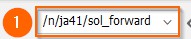
[1] Execute transaction /n/ja41/sol_forward
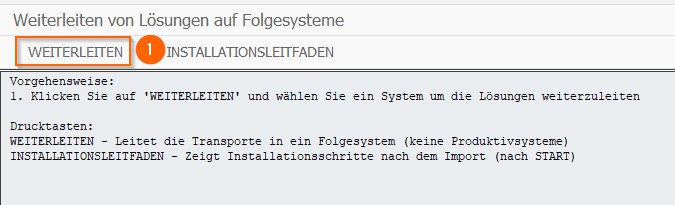
[1] Click FORWARD
Choose a local transport file.
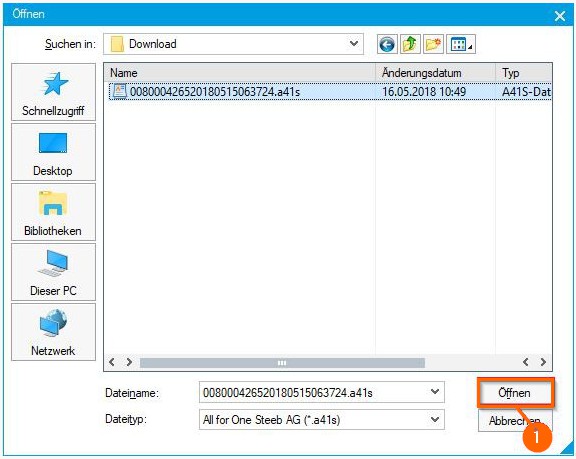
[1] Choose the folder where your transport file is stored. Usually you can find the transport file in the download folder of your browser.
Choose a transport file.
This action will forward all transports of the transport file into the target system. The transports will be imported automatically in the right order.
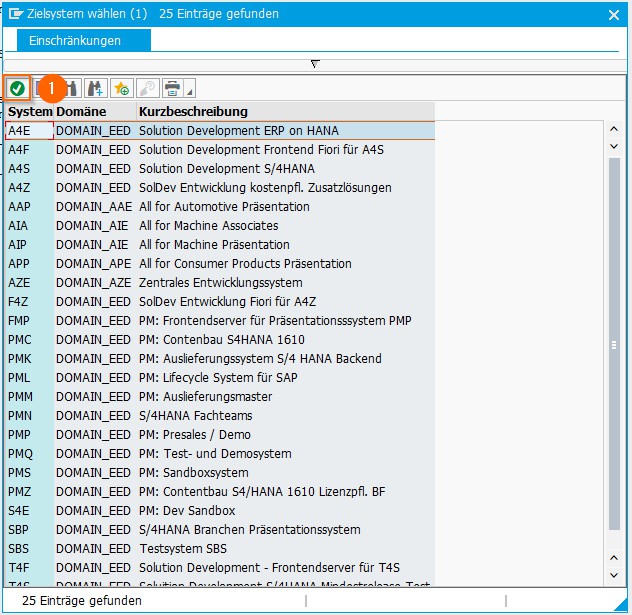
[1] Choose a target system and click APPLY
You have the choice to import the transports only to one or to multiple clients.
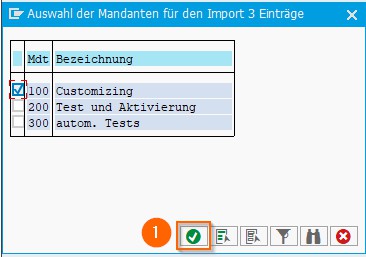
[1] Choose one or more clients and click APPLY
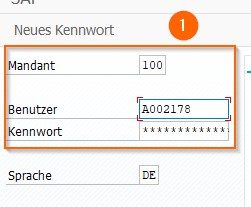
[1] Login to the target system with a valid user and password
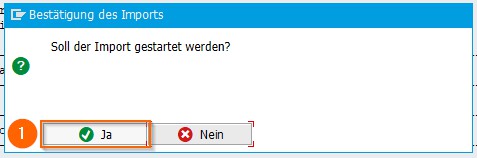
[1] Click YES
Forwarding will now be executed. After forwarding is completed, you will receive further information.